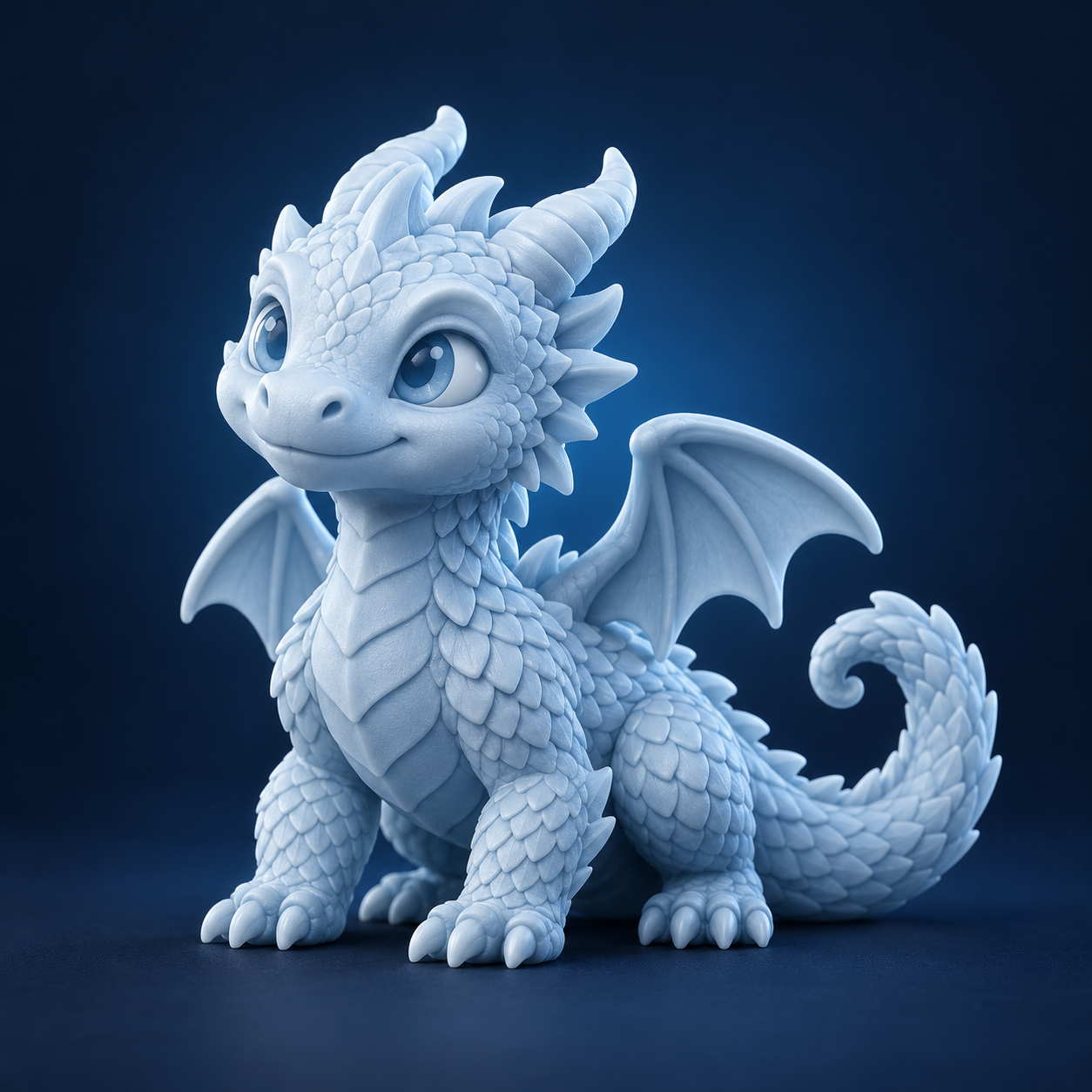
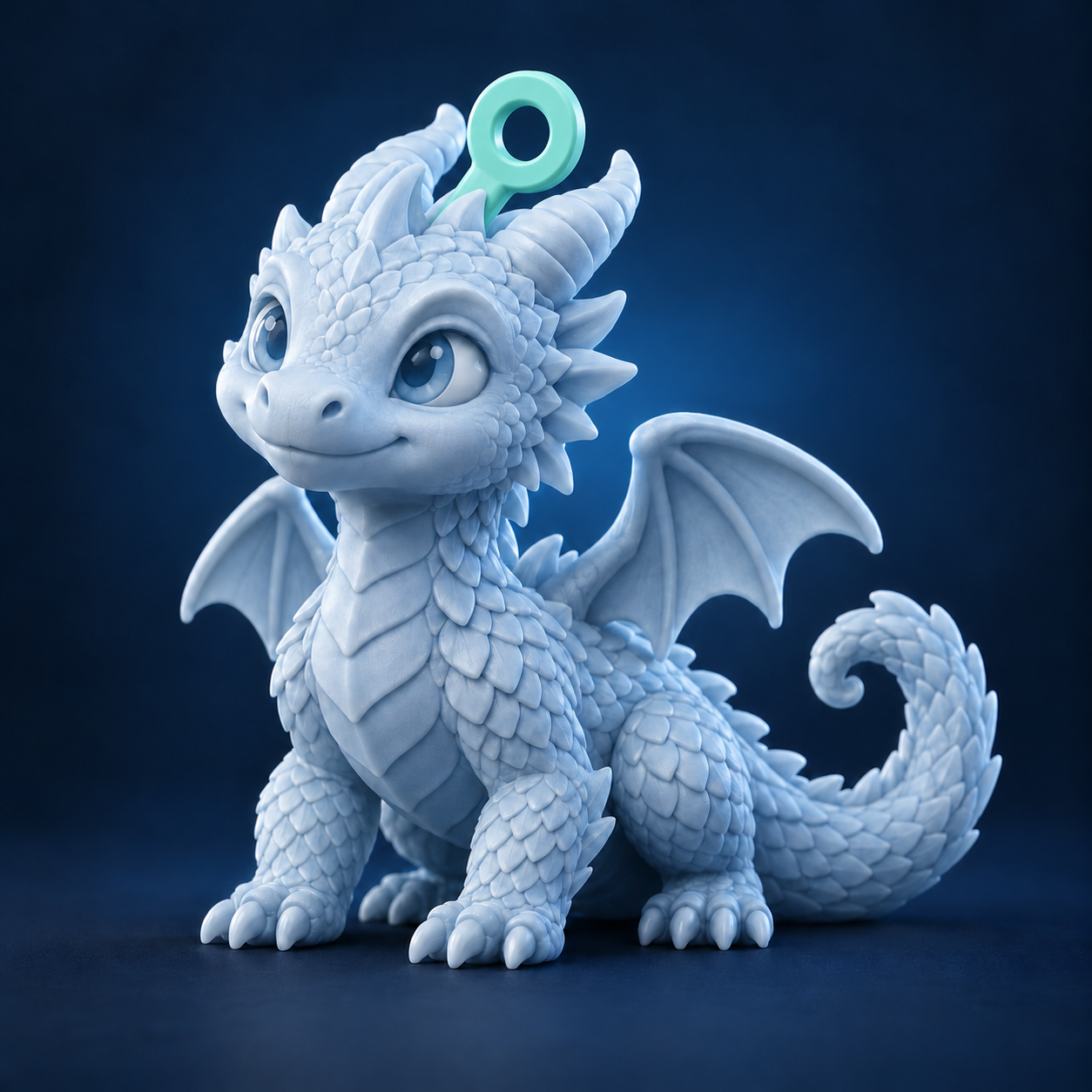
Add a printable keychain ring to a 3D model. Place the attachment, shape the ring and extend the model’s colors before downloading.
Explore here. Create on your computer.
This module runs on a desktop or laptop. The editor is unavailable on phones. You can read how it works here and save the link for your computer.
https://keychain.printooly.com/
What you start with
GLB, glTF, STL, OBJ or 3MF models, up to 100 MB.
What you get
A joined model as GLB with colors or STL geometry without colors. Uploading a 3MF also enables 3MF download.
How it works
Upload a 3D model and set its finished size.
Place the keychain attachment along the silhouette or at a point on the surface.
Choose the ring dimensions, edge finishes and colors.
Generate the joined model, inspect it and download GLB or STL. For 3MF uploads, you can also download 3MF.
Access and pricing
Free to use and download. No account or Printooly credits required.
Before you finish
Check the ring’s thickness, hole clearance, connection and final size in your slicer before printing. Printed color gradients depend on your slicer and printer; assign filaments in your slicer. Original printer settings are not included in 3MF downloads.